
Objects
New components may need to be added to the Ultimate Character Controller objects before they can be used over the network. The following objects must be run through the Object Setup editor:
- Projectile
- Grenade
- Health
- Respawner
- Moving Platform
- Interactable
The Object Setup editor can be accessed within Tools -> Opsive -> Ultimate Character Controller -> Add-Ons Manager -> PUN Multiplayer. This is the same editor as what was used to create your character.
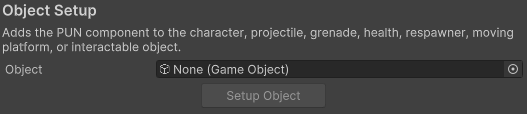
Before the Setup Object button is enabled your object must be first created using the standard Ultimate Character Controller workflow. For example, with a moving platform the Moving Platform component must first be added.