The Ultimate Inventory System is a robust, fully featured, and highly modular inventory framework built for any game genre — RPGs, survival, shooters, crafting games, and more. From quick prototyping to complex, data-driven inventory mechanics, this system gives you the tools to create exactly what your game needs without compromise.
Why choose the Ultimate Inventory System?
🛠️ Built for flexibility
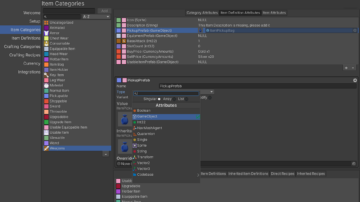
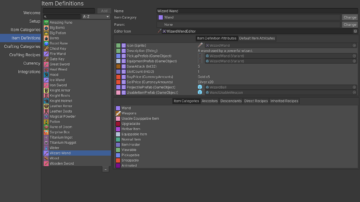
Create items, categories, currencies, and crafting recipes using an intuitive and powerful editor. Customize every aspect of the inventory flow, from data to visuals.
🎨 UI that fits your game
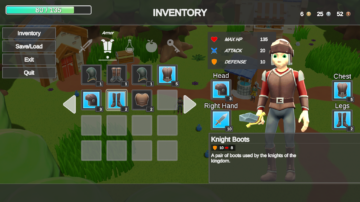
Use the built-in UI system or customize it to match your game’s style and input method — mouse, controller, or touch.
🔁 Complete inventory features
Supports everything you’d expect from a modern inventory system: crafting, upgrades, shops, item actions, split screen, hotbars, and more.
🌍 Ready for global releases
Includes full localization support so you can easily reach players around the world.
✨Core features
- Item management
- Customizable inventory UI
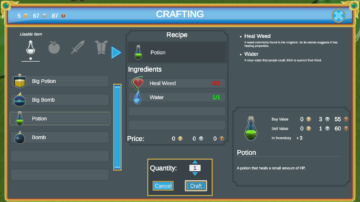
- Crafting system
- Item upgrades
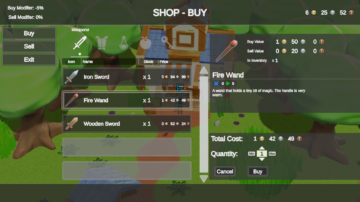
- Shop system
- Multiple currencies
- Save and load
- Localization
- Split screen and controller support
- Hotbars and item actions
- Item shapes (Tetris-style)
- Data import and export
- Mobile ready
- Supports 2D and 3D
🤝Integrations
Behavior Designer, Behavior Designer Pro, Dialogue System for Unity, Control Freak, Easy Touch, FMOD, InControl, Input System, Master Audio, PlayMaker, Quest Machine, Rewired, Save System for Opsive Character Controllers, State Designer, and every variant of the Ultimate Character Controller.
Item Management
Create items, categories, currencies, and crafting recipes in an intuitive editor. Every aspect of the inventory flow is customizable, from the underlying data to the visuals.

Item Attribute System
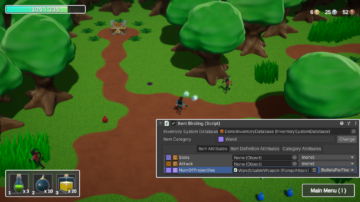
Attributes drive item variants and can be bound directly to component properties, so a single item definition covers a whole family of in-game objects.

Predefined Schemas
Get started immediately with predefined schemas, or import and export your item data to move it between projects.

Item Restrictions
Apply restrictions to limit which items an inventory will accept.

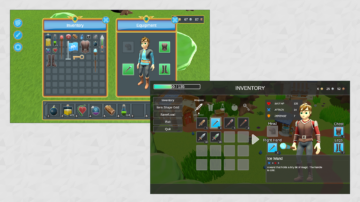
Inventory Display
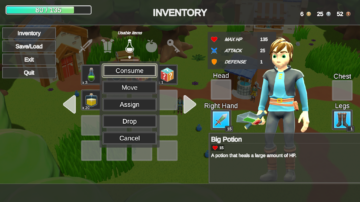
Use the built-in UI or customize it to match your game’s style and input method — mouse, controller, or touch. Items can be equipped in allocated slots, occupy multiple slots within a grid, and be dragged and dropped between them.

Item Actions
Assign item actions to perform operations directly from the inventory menu, including hotbar bindings.

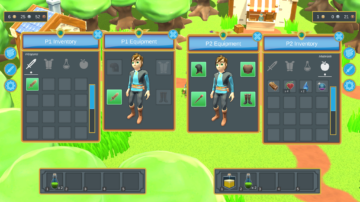
Split Screen / Co-op
Supports split screen and co-op configurations, with full controller support.

Crafting
Craft new items from recipes you define in the editor.

Currencies
Create your own currencies and use them across shops and crafting.

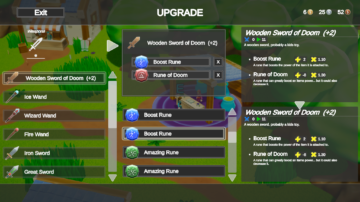
Upgrades
Use item attribute values to build an upgrade system on top of your existing items.

Loot Items
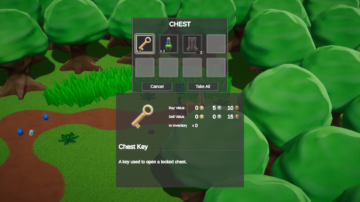
Inventories can be configured for looting, so containers and defeated enemies use the same system as the player.

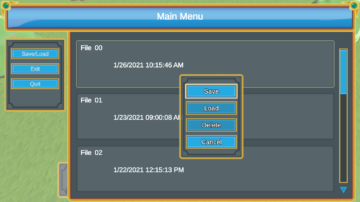
Save & Load
Supports saving and loading to disk, with full localization support for global releases.