The latest version of State Designer is making its way to the Opsive Store and the Asset Store. This release changes the file structure so you must remove the Packages/com.opsive.statedesigner and Packages/com.opsive.graphdesigner packages before importing.
This update contains the following:
- Drag Layouts
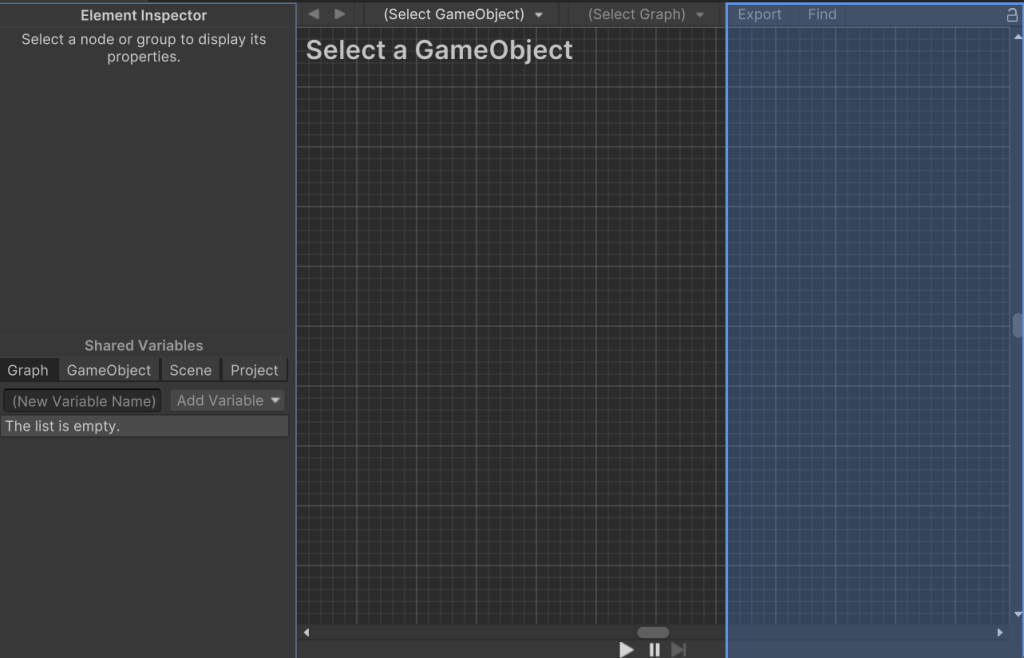
Instead of buttons to position the panels you can now drag the panel into different dock areas.
- Separate Node Add Dialogue
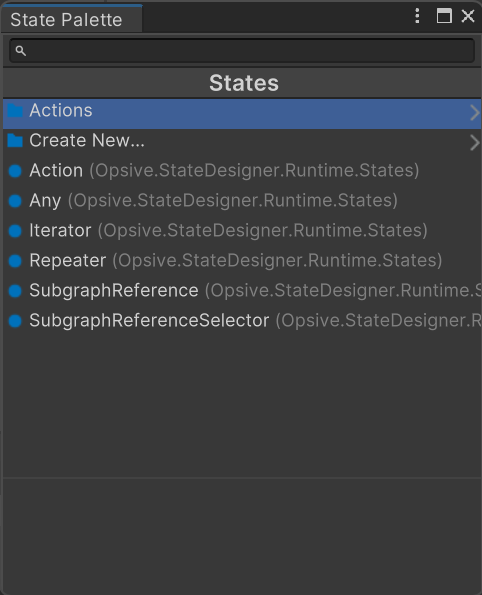
Under the Tools -> Opsive -> State Designer toolbar you’ll find a “State Pallet” which allows you to open the state add dialogue in a separate window.
- Improved Connection
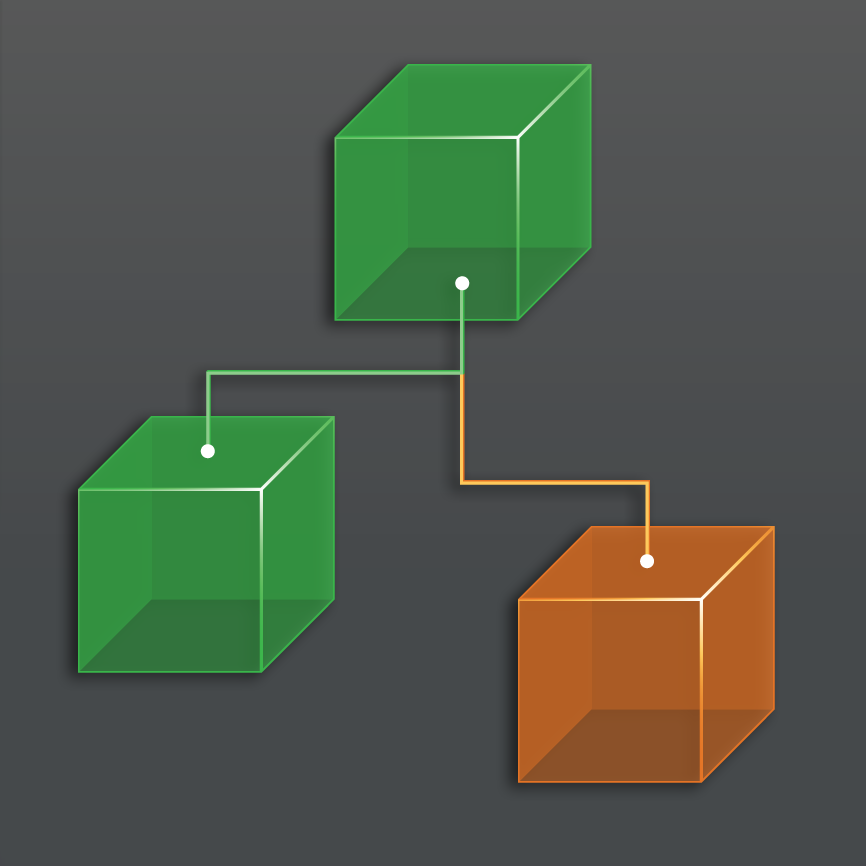
You can now change the connection type from the default of Bezier to Orthogonal or Straight. You can also now add waypoints to your connection allowing you to change the connection route.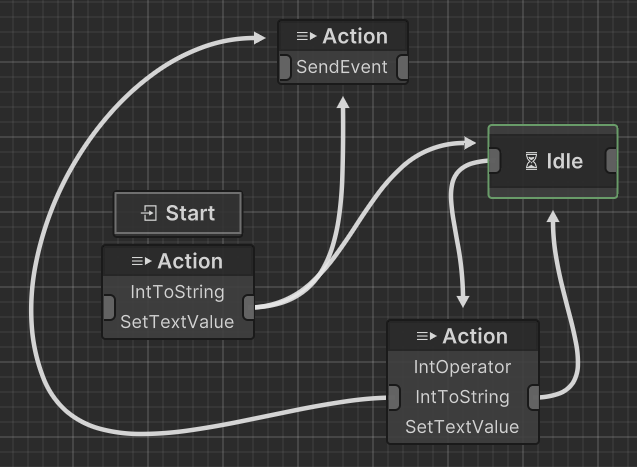
- Hover Bar
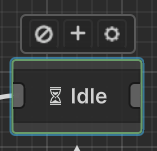
A new hover bar allows you to quickly perform common operations on the node.
- Transition Overlay
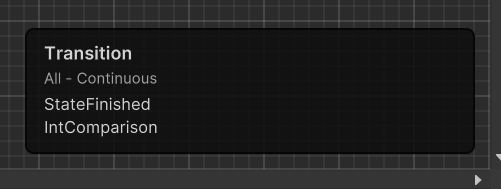
The bottom right corner now shows all of the transition details on a hovered or selected connection.
- Drag and Drop to Create State
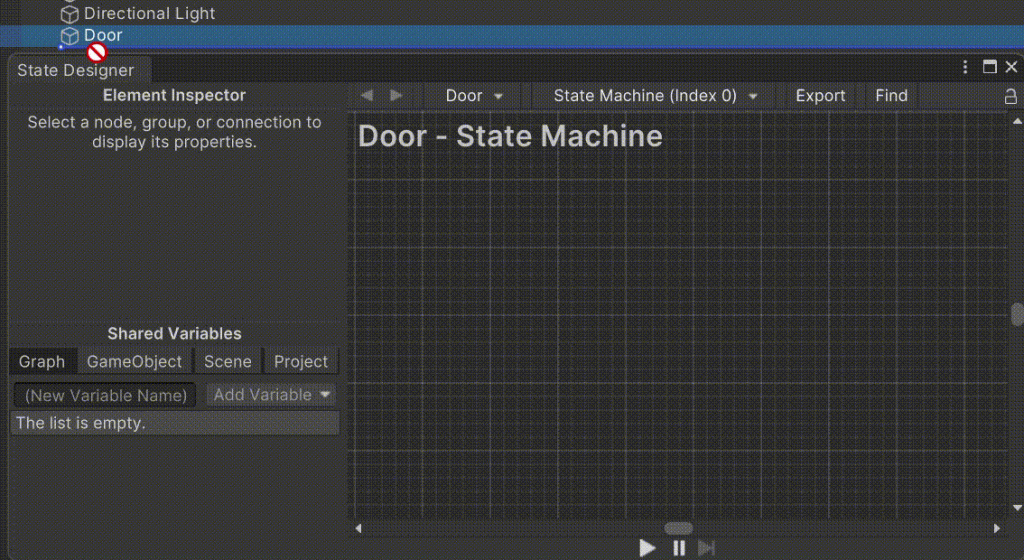
Drag and drop a GameObject or Component over the Element Inspector in order to show a context specific state add window.
- Node comment view will show the comment of the selected action.
- Multi-select Action List
The Action State now allows you to multi select actions allowing you to quickly perform repeated options. - Settings
Under the Tools -> Opsive -> State Designer toolbar there is a new “Settings” option which allows you to change the preferences or graph short cuts.